

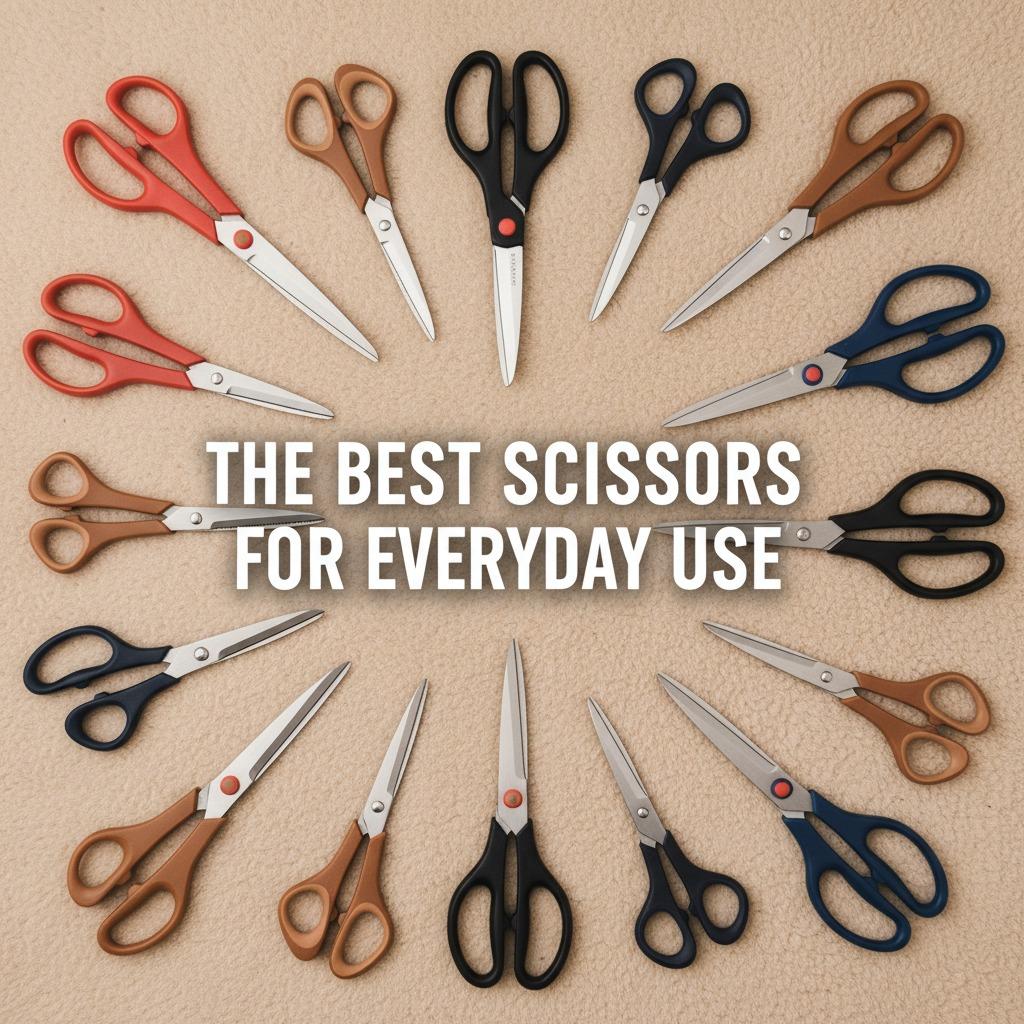
Ergonomics in the Office: Finding Scissors That Won't Cramp Your Hand

Office scissors look simple, but they are used more often than many teams realize. Opening mail, trimming printed pages, cutting labels, preparing presentation boards, unpacking samples, and removing tags can add up to dozens of cuts in a day. If the scissors are hard to grip, too stiff, or poorly sized for the user, those small tasks can create hand fatigue and wrist discomfort.
The right pair will not solve every ergonomic issue, and it should not be treated as medical equipment. However, choosing scissors that fit the hand, cut cleanly, and require less awkward squeezing can make everyday office work more comfortable. This guide explains what to look for before buying scissors for desks, reception areas, copy rooms, schools, studios, and light administrative work.
Key Takeaways
- Comfort starts with fit: handle size, grip shape, and wrist position matter as much as blade length.
- Sharp blades reduce the need to squeeze harder, especially when cutting paper stacks, envelopes, and thin packaging.
- Soft or contoured handles can reduce pressure points, but they should still allow stable control.
- Left-handed users should not be forced to use right-handed scissors; check orientation before ordering in bulk.
- For offices buying multiple pairs, test samples with real users before standardizing on one model.
Why Ordinary Office Scissors Can Cause Discomfort
Traditional office scissors often use straight, hard plastic handles and a basic pivot. That may be fine for occasional cuts, but repeated use can expose problems. A small thumb loop may press into the thumb joint. A narrow finger loop can concentrate pressure on one or two fingers. A stiff pivot can make the user squeeze harder than necessary. If the blade is dull, the hand compensates by applying more force.
Wrist angle is another common issue. When scissors force the hand into a bent or twisted position, the muscles in the forearm work harder. Over time, the user may notice cramping, tired fingers, or a need to pause frequently. If pain, tingling, numbness, or persistent weakness occurs, the correct next step is to consult a qualified health professional rather than simply changing tools.
What Makes Scissors More Ergonomic?
Ergonomic scissors are designed to work with the hand rather than against it. The most useful designs help keep the wrist closer to neutral, spread pressure across a larger area, and reduce unnecessary gripping force. For office use, the best choice is usually not the largest or most specialized pair. It is the pair that cuts the intended materials cleanly while feeling stable in the hand.
Look at the handle first. A comfortable handle should allow the thumb and fingers to move without pinching. Some users prefer offset handles because they can help the wrist stay straighter on a flat work surface. Others prefer symmetrical handles for shared office drawers. Soft grip areas may improve comfort, but overly bulky handles can be tiring for small hands.
Blade performance also matters. A clean cutting edge reduces drag and helps the user finish a cut without forcing the blades through the material. For general offices, scissors should handle common paper, envelopes, labels, light card, and thin packaging. If the office regularly cuts fabric, heavy cardboard, plastic sheet, or adhesive materials, ask the supplier which scissor type is intended for that use.
Comparison Checklist: Standard vs. Comfort-Focused Scissors
| Selection Point | Basic Office Scissors | Comfort-Focused Scissors | What to Check Before Buying |
|---|---|---|---|
| Handle shape | Straight or narrow loops | Contoured, larger, or offset loops | Does the handle fit different hand sizes without pinching? |
| Grip surface | Hard plastic | Soft-touch or textured grip areas | Is the grip stable when hands are dry or slightly damp? |
| Cutting effort | May require more force if dull or stiff | Designed for smoother opening and closing | Can users cut normal office materials without squeezing hard? |
| Hand orientation | Often right-hand biased | Right-handed, left-handed, or ambidextrous options may be available | Are left-handed staff properly accommodated? |
| Use case | Occasional cutting | Repeated desk, copy-room, or craft-office tasks | Is the scissor matched to paper, packaging, fabric, or mixed materials? |
How to Choose Scissors for an Office Team
For a single desk, personal preference can guide the purchase. For a department or facility, the decision should be more structured. A purchasing manager should not choose scissors only by lowest unit price or by appearance. A poorly selected pair can be ignored, replaced informally, or create avoidable discomfort for frequent users.
- List the main materials cut. Paper and envelopes require different performance than cardboard, plastic packaging, or fabric samples.
- Identify frequent users. Reception, shipping, design, education, and administrative teams may use scissors more than other staff.
- Test two or three handle styles. Include users with different hand sizes and left-handed users when relevant.
- Check storage and safety needs. Shared scissors may need a consistent location, blade cover, or clear labeling.
- Ask supplier questions. Confirm available sizes, left-hand options, replacement policy, intended cutting materials, and care instructions.
If sourcing wholesale or for office supply resale, ask the supplier for product samples before placing a larger order. Useful commercial questions include packaging options, carton quantities, lead time, customization availability, and whether the product is intended for office, school, craft, or industrial use. Do not assume a scissor is suitable for heavy-duty applications unless the supplier states that clearly.
Use and Care Tips to Reduce Hand Fatigue
Even a well-designed pair of scissors can feel uncomfortable if it is misused or poorly maintained. Keep scissors clean and dry, and avoid using a general office pair on materials that can damage or gum up the blades. Adhesive labels, tape, and thick packaging can leave residue that increases cutting resistance.
- Use the full length of the blade for long cuts instead of making many tiny snips.
- Keep the wrist as straight as possible and bring the material closer rather than reaching awkwardly.
- Do not force scissors through materials they are not designed to cut.
- Wipe residue from blades after cutting tape or labels.
- Replace scissors when the pivot becomes loose, the blades no longer meet cleanly, or cutting requires extra force.
Common Buying Mistakes to Avoid
One common mistake is buying one style for everyone. Shared office supplies are convenient, but hands differ. A pair that feels comfortable for a large hand may be awkward for a smaller hand. Another mistake is choosing oversized scissors for ordinary desk work. Longer blades can be useful, but they may reduce control for small trimming tasks.
Also be careful with vague terms such as “heavy duty” or “professional.” These words do not automatically describe comfort, blade performance, or the materials the scissors can safely cut. When comparing suppliers, request clear answers instead of relying only on marketing descriptions.
Practical FAQ
Are ergonomic scissors only for people with hand pain?
No. They are useful for anyone who cuts frequently. The goal is to reduce unnecessary strain before discomfort becomes a routine part of office work.
Should an office buy spring-assisted scissors?
Spring-assisted designs can reduce the effort needed to reopen the blades, which some users like for repetitive cutting. They are not ideal for everyone, so test them with actual users before buying in quantity.
What blade length is best for office use?
For general desk tasks, a medium-size pair is usually easier to control than very long scissors. Choose longer blades only if users regularly make long straight cuts.
How can left-handed staff be accommodated?
Ask whether the supplier offers true left-handed scissors or ambidextrous handles. A right-handed blade orientation may still feel awkward even if the handle looks symmetrical.
When should office scissors be replaced?
Replace them when they crush paper, require extra pressure, feel loose at the pivot, show damage, or no longer cut smoothly after cleaning.
Final Thoughts
Choosing better office scissors is a small decision with daily impact. Focus on handle fit, smooth cutting action, appropriate blade size, and the real materials your team cuts. For purchasing teams, sample testing and clear supplier questions are the safest way to select scissors that people will actually use comfortably.